GBDDC management site and download instructions.
Below are instructions to download preview versions of the app for android.
Android Installation Instructions
Download the APP from here . It should be GBDDC.apk (an apk file is how an android application is wrapped up for distribution)
Step 1.
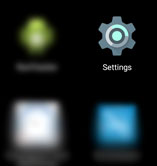
On your Android device go to settings.
From settings select security
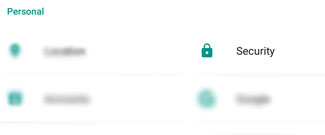
Within security turn on the option to allow Unknown Sources (rememeber to turn this off again when installation is complete)

Step 2.
Download the apk from here if you haven't already done so.
Step 3
Find where your phone stores your downloads. Usually in the screen that shows all your apps will be a Downloads or Files app and you may find the GBDDC.apk in your downloads. Click on this and follow any prompts to install
Step 4